Today, we're excited to announce three powerful new features that transform how you understand and manage your email communications. Whether you need compliance-grade archiving, detailed engagement insights, or comprehensive click analytics, these tools give you unprecedented visibility into your email performance.
BCC Email Copies
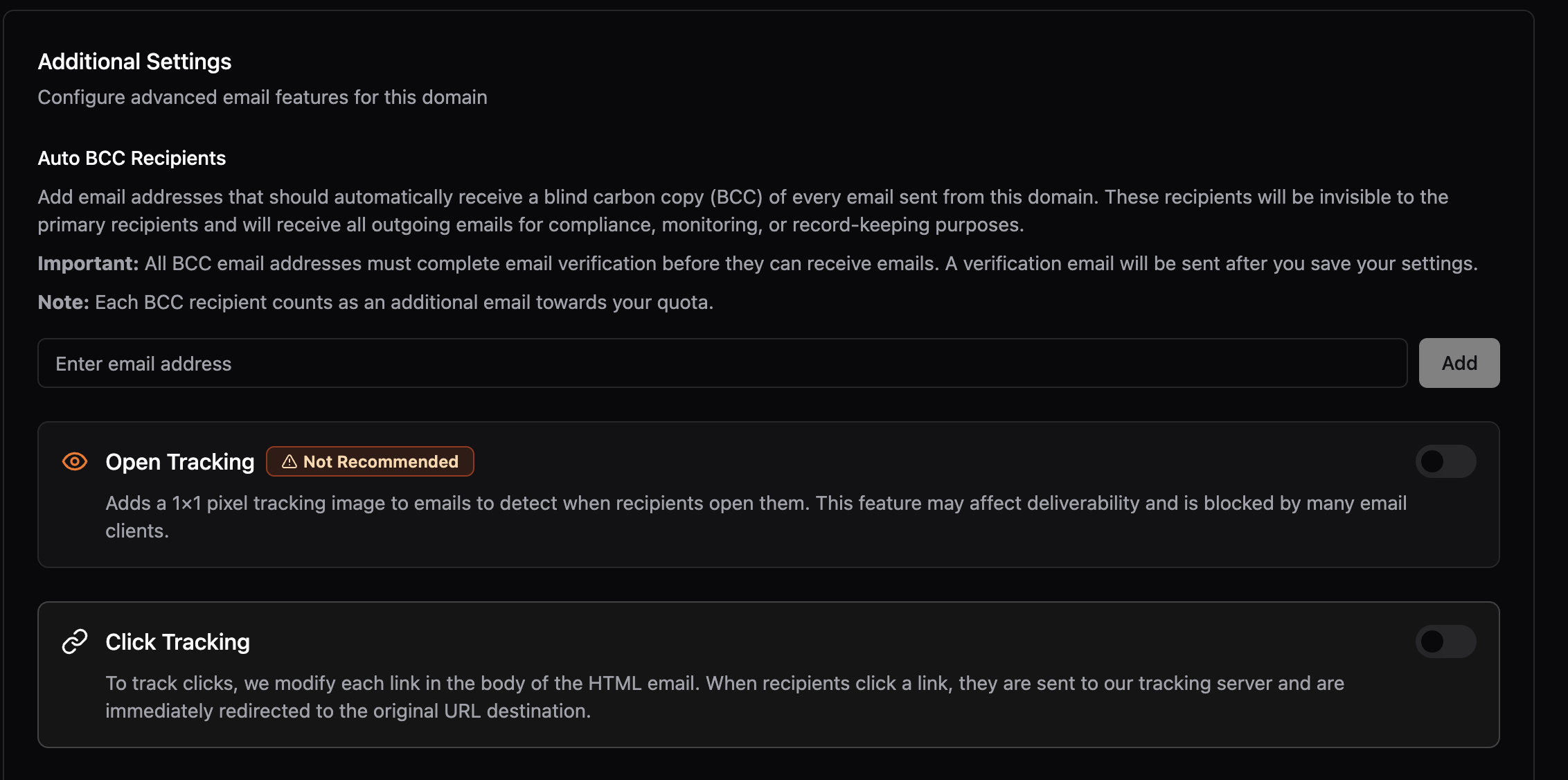
Maintaining copies of sent emails is important for record keeping, compliance, and auditing. Our new BCC feature automatically sends copies of your outbound emails to specified addresses, ensuring you maintain complete records of all communications.
Setting up BCC copies is straightforward. Simply configure your BCC email address in your domain settings, and every email sent through that domain will automatically include the BCC. Perfect for businesses that need to maintain audit trails or comply with industry regulations.
Open Tracking Analytics
Understanding when your emails are opened provides crucial insights into engagement patterns, optimal send times, and campaign effectiveness. Our open tracking feature uses a privacy-conscious 1x1 pixel approach to give you detailed open analytics.
The tracking pixel is automatically inserted into HTML emails when open tracking is enabled. The pixel is completely invisible to recipients and doesn't affect the layout or loading time of your emails. You'll get comprehensive data in your dashboard showing open rates, timing patterns, and engagement trends.
Note: Open tracking is generally not recommended due to browsers adjusting their policies around opening images. Many modern email clients and browsers block tracking pixels by default, which can significantly reduce the accuracy of open tracking data.
Click Tracking
Click tracking goes beyond basic analytics to give you deep insights into what content resonates with your audience. Our system intelligently rewrites all links in your emails to track clicks while maintaining a seamless user experience.
When click tracking is enabled, all HTTP and HTTPS links in your emails are automatically rewritten to use JetEmail's tracking infrastructure. When a recipient clicks a link, they're seamlessly redirected to the original destination while we capture valuable analytics data. The process is completely transparent to users.
Getting Started
These powerful new features are available immediately for all JetEmail users. Here's how to get started:
- Navigate to Dashboard → Outbound → Domains
- Click on your domain to access its settings
- Enable BCC copies, open tracking, and click tracking in the domain settings
Learn More
For detailed implementation guides and best practices, check out our comprehensive documentation:
- BCC Emails Guide - Complete setup and configuration instructions for BCC copies
- Open Tracking Guide - Learn how to implement and analyze open tracking data
- Click Tracking Guide - Advanced click tracking setup and optimization strategies
Ready to gain deeper insights into your email performance? These features are available now in your JetEmail dashboard.